
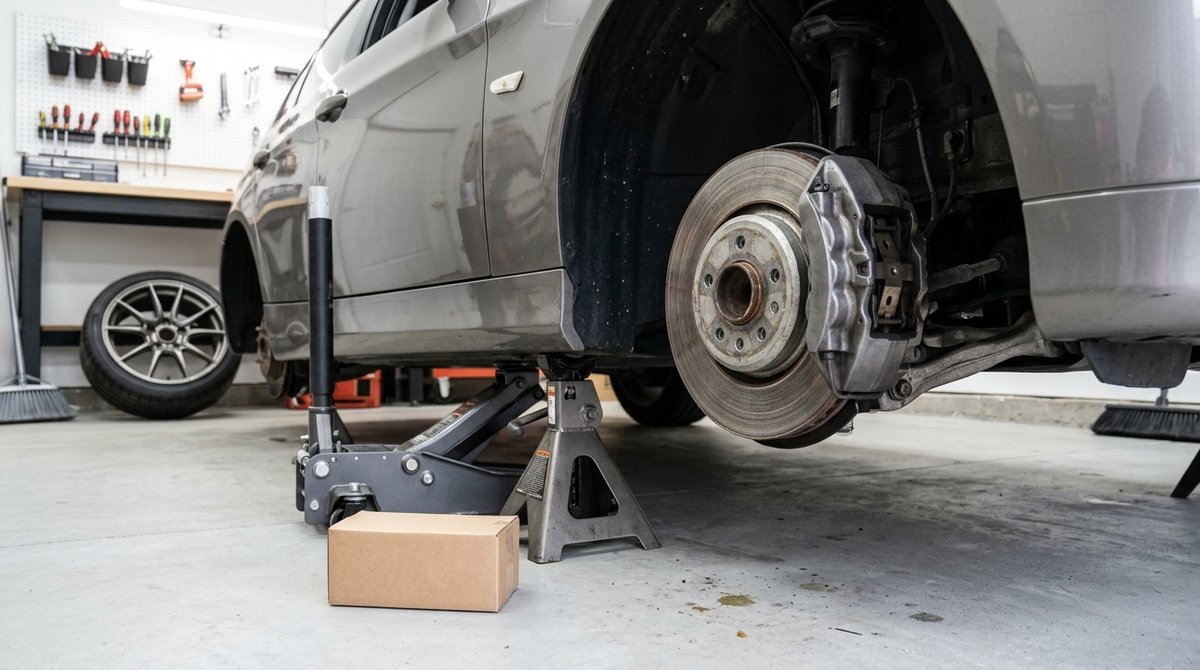
Hearing your brakes grinding after new pads is frustrating, especially when the whole point of the brake job was to make the noise stop. Some noise in the first few drives is normal while the pads settle in, but a steady metal grind is not, and it usually traces back to the rotors or the way the parts were installed.
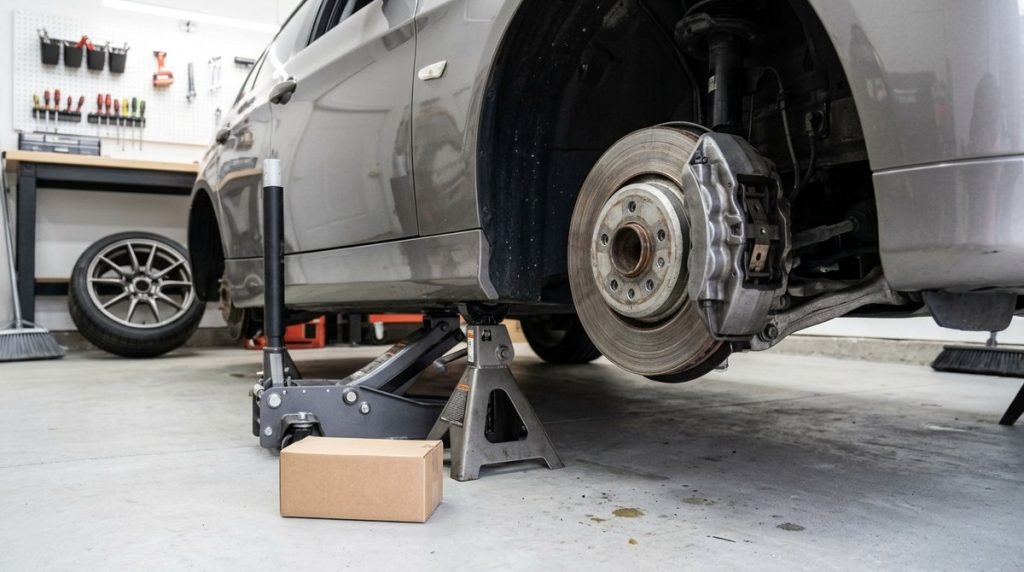
In this guide
| What you notice | Most likely cause | What to do |
|---|---|---|
| Light scraping for the first few drives | Pads still bedding in | Bed them in and recheck after 100–200 miles |
| Grinding only on the first stops of the morning | Surface rust on the rotors | Normal if it clears in a few stops |
| Grinding or vibration since day one | Old, grooved rotors reused | Resurface or replace the rotors |
| Grinding plus clicking or rattling | Missing or wrong hardware | Have the installation checked |
| Constant scraping, even off the brake | Dust shield bent during the job | Bend it back |
| Grinding plus a pull or one hot wheel | Sticking caliper or dry slide pins | Service or replace the caliper |
Brakes grinding after new pads: 6 reasons
1. The pads haven’t bedded in yet
New pads need to lay down a thin, even layer of pad material on the rotor. Until they do, you can hear light scraping and feel slightly weaker braking. This should fade within the first 100–200 miles, and bedding the pads in on purpose speeds it up (see the steps below). If new pads squeal rather than grind, especially at low speed, read why brakes squeal when stopping slowly.
2. Old rotors were reused
Rotors wear grooves that match the old pads, plus a raised lip at the outer edge. Flat new pads riding on a grooved surface can grind, chatter, or vibrate, the same problem behind a car that shakes when braking at high speed. Many shops now replace the rotors at every pad job for this reason. If yours weren’t replaced or resurfaced, start here. Our guide to brake pads vs rotors explains when rotors can stay.
3. Missing or wrong hardware
Abutment clips, shims, and anti-rattle springs hold the pads in place. If worn clips were reused, some were left out, or the wrong pads were fitted, the pads can sit crooked or touch the rotor in the wrong spot. A pad installed with its wear tab on the wrong side can also scrape constantly. Some cheaper semi-metallic pads are simply noisier than ceramic ones, too.
4. Surface rust or debris
After rain, a car wash, or a night parked outside, a thin layer of rust forms on bare rotors. The first few stops grind or squeak, then the noise is gone. That’s normal, and it’s the same thing behind brakes that squeak in the morning. Grit trapped between a new pad and the rotor can also grind until it works its way out.
5. A dust shield bent during the job
The thin shield behind the rotor is easy to bump while the caliper is off. If it now touches the rotor, you’ll hear scraping even when you’re not braking, which overlaps with the causes of a grinding noise while driving.
6. A sticking caliper or dry slide pins
The caliper slides on pins that should be cleaned and greased at every pad change. If that was skipped, or a piston is starting to seize, one pad drags on the rotor. Expect grinding, a burning smell, the car pulling to one side when braking, and one wheel much hotter than the rest. Dry slide pins after a pad job are also a common reason a car pulls to one side when braking.
How to bed in new brake pads
Always follow the pad maker’s instructions first. A common method looks like this:
- Find a quiet, empty road.
- From about 35 mph, brake firmly (not a panic stop) down to about 5 mph without coming to a full stop.
- Repeat 8–10 times, with a short stretch of driving in between.
- Drive for several minutes with as little braking as possible so everything cools.
- Right after bedding, avoid sitting at a full stop with your foot hard on the pedal, which can imprint pad material onto the hot rotors.
If the grinding is still there after bedding and a couple of hundred miles, something else is wrong.
What to check
- Look at the rotor surface through the wheel spokes. Deep grooves or a sharp lip at the edge mean the rotors are worn.
- Listen for clicking or rattling over bumps, which suggests loose pads or missing clips.
- After a drive, hold your hand near (not on) each wheel. A much hotter wheel points to a dragging caliper.
- Notice whether the noise also happens off the brake, which points to the dust shield.
If a warning light came on after the brake job, read the codes and decode them with our OBD2 code lookup. ABS faults use C-codes, which need a scanner that can read the ABS module. The car symptom checker can help if you notice other symptoms.
How much does it cost to fix?
| Fix | Typical cost |
|---|---|
| Bedding in the pads | Free |
| Resurfacing rotors (if thick enough) | $20–$40 per rotor |
| New rotors and pads (one axle, at a shop) | $250–$600 |
| New clips and shims | $10–$30 in parts |
| Cleaning and greasing caliper slide pins | $50–$150 |
| Caliper replacement (one side) | $150–$400 |
| Straightening the dust shield | $0–$80 |
If a shop did the work in the last few weeks, go back there first. Most brake jobs carry a warranty, and noise right after the job is something they should check at no charge.
Is it safe to drive?
Light noise that fades is fine. Stop driving and get the car checked if the grinding is loud and metallic, the pedal feels soft or sinks (see brake pedal goes to the floor), the car pulls hard when braking, or you smell burning. A badly installed pad or a seized caliper can reduce braking power when you need it most. It’s also worth checking for open brake recalls on the NHTSA recall lookup.
FAQ
How long do new brake pads make noise?
Light noise usually fades within 100–200 miles. Constant grinding beyond that isn’t normal.
Should rotors always be replaced with new pads?
Not always, but if they’re grooved, warped, or below minimum thickness, new pads won’t sit flat and noise is likely.
Can the wrong pads cause grinding?
Yes. Pads that don’t fit the caliper properly, or very hard semi-metallic pads, can scrape or grind.